TM SIM Registration Online: How to Register Your TM SIM in 2026
TM SIM Registration Online: How to Register Your TM SIM in 2026
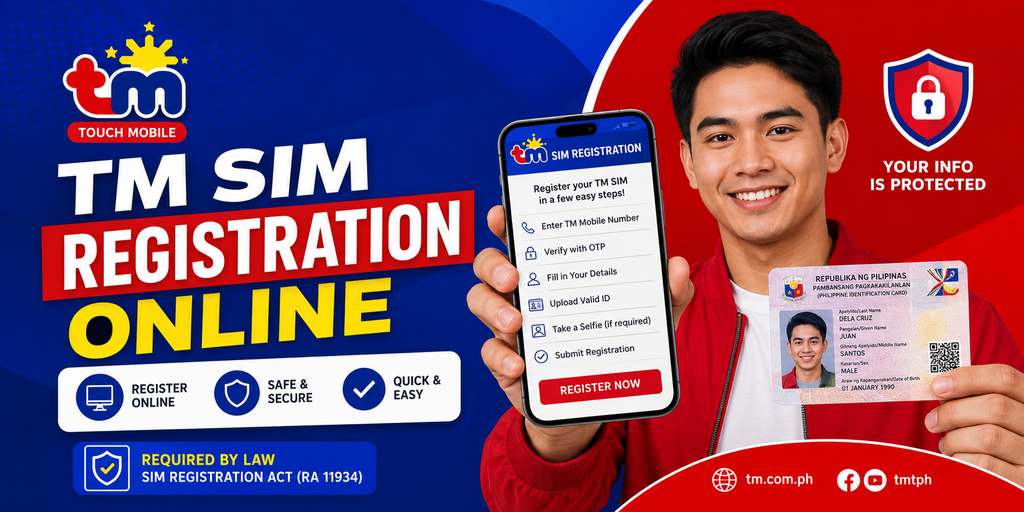
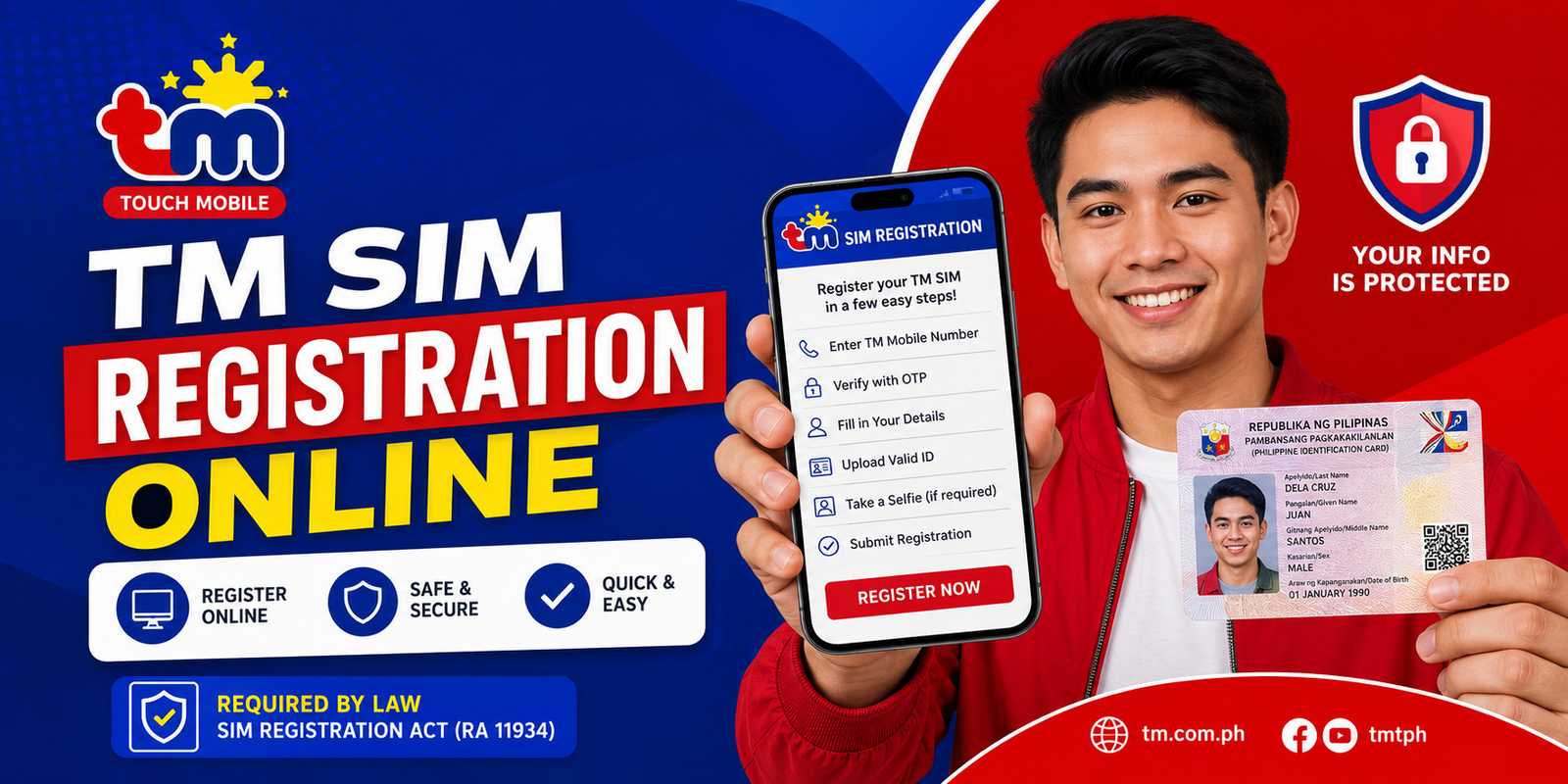
TM SIM registration online is required for TM subscribers in the Philippines under the SIM Registration Act. Whether you have a newly purchased TM SIM or an existing unregistered SIM, you need to complete the registration process to keep your mobile services active.
TM is a brand under Globe Telecom, so TM subscribers use the Globe/TM SIM registration system for registration.
This guide explains how to register a TM SIM online, what information and documents you may need, how to complete the process, and what to do if your registration does not work.
Important: This website is an independent informational resource and is not the official TM or Globe registration portal. For actual registration, always use the official Globe/TM registration system and follow the requirements displayed there.
TM SIM Registration Online Quick Guide
| Information | Details |
| Network | TM (Touch Mobile) |
| Country | Philippines |
| Registration | Required under the SIM Registration Act |
| Registration method | Online through the Globe/TM registration system |
| Main requirements | Personal information and a valid identification document |
| Existing TM users | Must register to maintain service |
| New TM SIM users | Should register before using the SIM according to current registration rules |
| Cost | SIM registration itself is free |
What Is TM SIM Registration?
TM SIM registration is the process of linking a TM mobile number with the identity and information of its registered owner.
The requirement comes from the SIM Registration Act (Republic Act No. 11934), which requires telecommunications subscribers in the Philippines to register their SIM cards.
For TM subscribers, the registration process is handled through Globe’s registration system because TM operates under Globe Telecom.
The online process allows eligible subscribers to submit their details without visiting a physical store.
How to Register TM SIM Online
You can complete your TM SIM registration online by using the official Globe/TM registration portal.
Step 1: Open the Official TM/Globe Registration Portal
Start by accessing the official registration system provided by Globe for TM subscribers.
Be careful when searching for the registration page because unofficial websites may publish guides, advertisements, or links that are not operated by Globe or TM.
For security, check that you are using the official Globe/TM website before entering your personal information.
Step 2: Enter Your TM Mobile Number
Enter the TM mobile number that you want to register.
Make sure the number is active and that you can receive SMS messages on it.
The system may send an OTP or verification code to confirm that you have access to the mobile number.
Step 3: Enter the Verification Code
Check your TM SIM for the verification SMS.
Enter the OTP shown in the message into the registration portal.
If you do not receive the code immediately, wait a little while and request another code if the portal provides that option.
Avoid repeatedly requesting OTPs within a short period because this can sometimes cause temporary verification issues.
Step 4: Provide Your Personal Information
Complete the registration form with the information requested by the official portal.
This can include details such as:
- Full name
- Date of birth
- Sex or gender
- Nationality
- Address
- Other information requested by the registration system
Enter your information exactly as it appears on your identification document whenever applicable.
Check the spelling and numbers carefully before continuing.
Step 5: Upload Your Valid ID
The registration system may require a valid government-issued identification document.
Select an accepted ID from the options displayed on the current official portal and upload a clear image.
Common Philippine IDs may include documents such as:
- National ID
- Passport
- Driver’s License
- UMID
- Other government-issued IDs accepted by the registration system
Do not rely on an old list of accepted IDs without checking the current portal. Requirements and accepted documents can change.
Also follow the file type, image quality, and file-size instructions shown on the registration page when uploading your ID.
Step 6: Complete the Required Verification
Depending on the current registration process, you may be asked to complete additional identity verification, such as a selfie or other verification step.
Follow the instructions displayed by the official registration system.
Make sure your face and identification document are clearly visible whenever the system requests them.
Step 7: Review Your Information
Before submitting the registration form, carefully review all the information you entered.
Check:
- TM mobile number
- Full name
- Date of birth
- Address
- ID details
- Uploaded documents
- Other required information
Incorrect information can cause verification problems or require you to correct your registration later.
Step 8: Submit Your TM SIM Registration
Once everything is complete, submit the registration form.
Wait for the system to process your information.
Do not close the page while the submission is still processing.
Step 9: Save Your Confirmation
After successful registration, keep the confirmation message, reference number, screenshot, or other proof provided by the system.
You may need this information if you later have a question about your TM SIM registration.
What Are the Requirements for TM SIM Registration?
The exact requirements can depend on the type of subscriber and the instructions currently displayed by Globe.
For an individual Filipino subscriber, you should generally be prepared to provide:
- Active TM mobile number
- Full name
- Date of birth
- Sex or gender
- Address
- Nationality
- Valid identification document
- Other information requested by the official registration portal
The portal may also request an image or identity verification step.
What Valid IDs Are Accepted for TM SIM Registration?
The official registration system determines which identification documents can be accepted.
Examples of commonly used government-issued IDs include:
- Philippine National ID
- Passport
- Driver’s License
- UMID
- Other accepted government-issued identification
Because ID requirements can change, check the current official registration portal before submitting your application.
Do I Need a Selfie to Register a TM SIM?
The registration system may require identity verification, including a selfie, depending on the current registration flow and subscriber type.
If a selfie is requested, follow the instructions shown on the official portal.
Make sure the image is clear and meets the portal’s current requirements.
Can I Register My TM SIM Online?
Yes. TM subscribers can use the online Globe/TM registration system to complete SIM registration.
The online process is designed to let subscribers submit their registration information remotely rather than relying exclusively on a physical store visit.
However, subscribers should always use the official registration channel and not submit sensitive personal information through an unofficial website.
Can I Register a TM SIM Using the GlobeOne App?
If the current Globe/TM registration process provides registration through an official Globe app or another supported channel, follow the instructions available inside the official application.
Do not assume that every feature available in the GlobeOne App is also available for TM SIM registration.
For the most reliable instructions, check the current official Globe/TM registration options before starting.
How to Check TM SIM Registration Status
After completing the registration process, you may want to confirm whether your TM number has been successfully registered.
Depending on the current Globe/TM system, confirmation may be provided through:
- SMS confirmation
- The registration portal
- Your Globe/TM account
- Other official confirmation channels
If you received a successful registration confirmation, keep it for your records.
If you are unsure whether the registration was completed, use the official Globe/TM channels rather than submitting your information again through an unofficial website.
What Happens If My TM SIM Is Not Registered?
An unregistered SIM may eventually lose access to mobile services according to the requirements and deadlines established under the SIM Registration Act and applicable telecommunications rules.
If your TM SIM is not yet registered, complete the registration as soon as possible using the official registration process.
For a newly purchased SIM, follow the current activation and registration instructions provided by TM/Globe.
TM SIM Registration Online Not Working? Try These Fixes
Sometimes subscribers experience problems while registering their TM number.
Here are some common solutions.
1. Check Your Internet Connection
A weak or unstable connection can interrupt the registration process.
Switch to a more reliable Wi-Fi or mobile-data connection and try again.
2. Make Sure Your TM SIM Can Receive SMS
If the portal sends an OTP, your TM number must be able to receive the verification message.
Check your phone’s signal and make sure SMS service is working.
3. Enter the Correct Mobile Number
Double-check the TM number before requesting an OTP.
A single incorrect digit can prevent verification.
4. Wait Before Requesting Another OTP
If the verification code does not arrive immediately, give the system some time.
Requesting multiple OTPs repeatedly can make the process more confusing because older codes may expire.
5. Check Your ID Image
If the portal rejects your ID, make sure the image is:
- Clear
- Complete
- Properly aligned
- Easy to read
- Not heavily blurred or obstructed
Also follow the current file format and size instructions shown on the registration portal.
6. Check Your Personal Information
Your registration details should be accurate and consistent with your identification document where applicable.
Review your name, date of birth, address, and other information before submitting again.
7. Try Again Later
The registration website can occasionally experience temporary technical problems.
If everything appears correct but the portal still does not work, wait and try again later.
TM SIM Registration for Foreigners
Foreign nationals and tourists may have different registration requirements from Filipino citizens.
The documents and information required can depend on the subscriber’s status and purpose of stay in the Philippines.
For example, tourists, foreign residents, students, workers, and other foreign nationals may be subject to different documentary requirements.
If you are a foreign national, check the current official Globe/TM registration instructions for the requirements applicable to your situation.
Is TM SIM Registration Free?
Yes, SIM registration itself is free.
You should not have to pay a person or an unofficial website simply to submit your TM SIM registration.
Be cautious of websites or individuals claiming that you must pay a registration fee to activate your TM SIM.
Is TM SIM Registration Required for Existing TM Subscribers?
Yes. Existing TM subscribers are also covered by the SIM registration requirement.
If your TM number has not been registered, complete the registration process using the official Globe/TM registration system.
Can I Register More Than One TM SIM?
SIM registration applies to individual mobile numbers.
If you own multiple TM SIMs, each applicable SIM/mobile number needs to be registered according to the current rules.
Do not assume that registering one TM number automatically registers your other SIMs.
TM SIM Registration Online FAQs
How do I register my TM SIM online?
Open the official Globe/TM SIM registration system, enter your TM mobile number, verify the number using the required OTP, provide your personal information, submit the required ID or verification details, and complete the registration.
Is TM SIM registration free?
Yes. SIM registration itself is free. Use the official Globe/TM registration channel and avoid unofficial websites asking for payment.
What ID can I use for TM SIM registration?
The accepted IDs depend on the current official registration system. Common government-issued IDs may include the National ID, passport, driver’s license, and UMID, but you should verify the current accepted list before submitting.
Can I register my TM SIM without going to a store?
Yes. TM SIM registration can be completed online through the Globe/TM registration system when the online service is available to your subscriber type.
Do I need an OTP for TM SIM registration?
The registration process may use an OTP or another verification method to confirm that you have access to the mobile number. Follow the verification method currently displayed by the official portal.
How long does TM SIM registration take?
The time can vary depending on the registration system and whether your information requires additional verification. Follow the status or confirmation provided after submission.
What should I do if my TM registration fails?
Check your internet connection, TM signal, OTP, personal information, and ID image. If the problem continues, try again later or contact TM/Globe through an official support channel.
Can tourists register a TM SIM?
Foreign tourists can register a SIM subject to the requirements and validity rules applicable to foreign nationals. Check the current official Globe/TM requirements for tourists before registering.
Can I register a TM SIM using my phone?
Yes. If you have a compatible smartphone, internet access, and the required information and documents, you can complete the online registration process using your phone.
Final Words
Completing TM SIM registration online is an important step for TM subscribers in the Philippines.
The process generally involves verifying your TM mobile number, entering your personal information, providing an accepted identification document, completing any required identity verification, and submitting the form through the official Globe/TM registration system.
Before registering, prepare your TM number and valid ID, use accurate information, and follow the instructions displayed on the official portal. Since registration requirements and online features can change, always rely on the current official instructions for the final requirements.
If you are having trouble with registration, check the common fixes above before trying again.

![Pepper0 Family Unlocked All [Stories, Art and Reality]](https://pepper0family.cc/wp-content/uploads/2026/08/Pepper0family-unlocked-content-768x512.webp)